By Team @ Ledgerly
Free budget apps: 10 picks and their honest limits
Ten free budget apps compared for privacy, couples, manual entry and investing, with the limits each free plan puts on you.
Updated October 18, 2026
free budget appbudgeting appspersonal finance appsprivacy budgetingfree money tools
Free doesn't mean the same thing in budgeting apps. One app calls itself free because the core dashboard costs nothing after you connect every account you own. Another is free only if you're willing to live with hard limits on wallets, budgets, history, or exports. A third is free in a way privacy-conscious people may not accept at all, because the cost is data collection, not a subscription.
That distinction matters more than most roundup posts admit. A 2023 review of 20 popular budgeting apps found that 60% shared at least some user data with third parties, and about 1 in 4 shared financial information specifically, while the apps collected more than 9 data points on average according to Incogni's budgeting app privacy review. If you're choosing a free budget app, the actual comparison isn't just features. It's account linking, where your data lives, how much manual work the app expects, what the free plan leaves out, and whether the app fits solo budgeting, shared budgeting, investing, or a private offline routine.
The useful question isn't whether an app is popular. It's whether you'll still trust it and keep using it after one full pay cycle.
This list judges each app by workflow fit, privacy model, free-plan boundaries, and maintenance effort. If you want manual entry and records kept on the phone unless you switch on backup, Ledgerly is relevant, though it is a paid app after a free start. If you want aggregation and automation, other picks fit better.
Table of Contents
- 1. Empower Personal Dashboard (formerly Personal Capital)
- 2. EveryDollar
- 3. Rocket Money
- 4. NerdWallet app
- 5. Goodbudget
- 6. Spendee
- 7. Wallet by BudgetBakers
- 8. Honeydue
- 9. Money Manager (Realbyte)
- 10. Money Manager Ex (MMEX)
- Top 10 Free Budget Apps, Feature Comparison
- Choose the Trade-Off You Can Live With
1. Empower Personal Dashboard (formerly Personal Capital)
Free budgeting tools often claim to help you spend less. This one is more useful for people who want to watch the whole balance sheet.
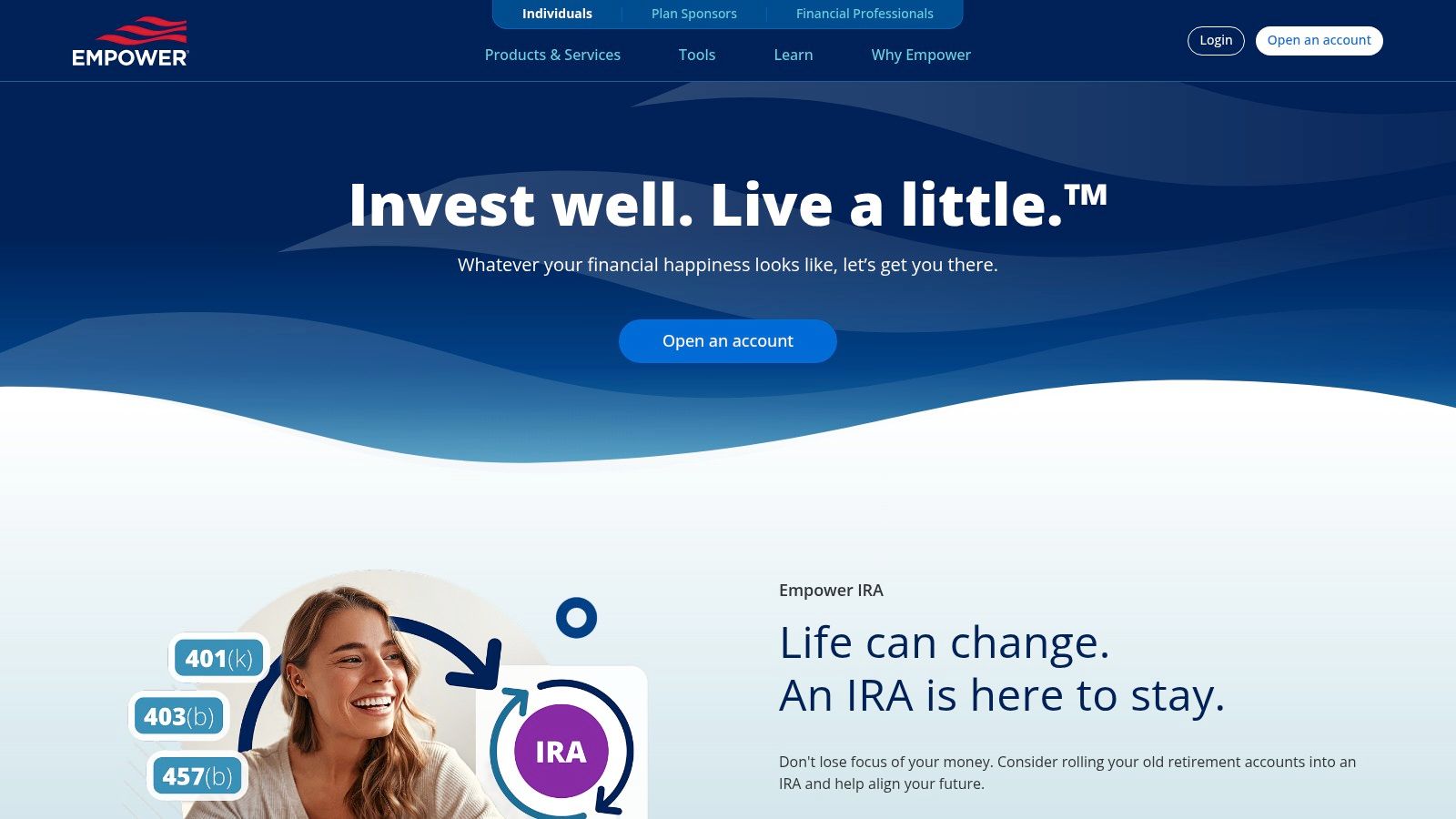
The appeal is aggregation. Link checking, savings, credit cards, loans, and investment accounts, and the dashboard pulls them into one place with cash flow, spending categories, net worth movement, and portfolio visibility. That makes it a stronger fit for users with a scattered financial setup than for someone who wants a strict monthly plan.
Daily use reflects that priority. The app works best as a monitoring system you check regularly, not as a manual budgeting routine you tend transaction by transaction. You review trends, spot category creep, and keep an eye on balances. You do less hands-on category planning than you would in a zero-based app.
Privacy and workflow are the trade-off. This is an account-linked service, so convenience depends on sending financial data through a third-party aggregator model. People who want local-first budgeting, offline records, or no bank connection should skip it. People who already accept linked accounts for the sake of automation will get more value here.
The free plan is generous if your goal is visibility. You can track spending, balances, debts, and investments without paying. The limit is philosophical more than technical. It does not push you into a tight budgeting method, so users who need assigned amounts, envelope discipline, or paycheck-by-paycheck planning may find it too loose.
A practical read:
- Best fit: Households or individuals who care as much about net worth and investments as monthly spending.
- Main cost: Less privacy and less manual control than a local or manual-first budget app.
- Ongoing effort: Low after setup, assuming your account connections stay stable.
- Free-plan boundary: Strong for tracking and review, weaker for intentional budgeting behavior.
If you mainly want the big picture, this is one of the better free options. If you want a category system that forces decisions before you spend, it is the wrong tool.
Readers comparing this style of app with more asset-focused tools should also review how to track your net worth.
Use Empower Personal Dashboard if your budget is only one part of a broader financial review. Skip it if private, local-only tracking matters more than automation.
2. EveryDollar
EveryDollar takes the opposite approach from account-aggregation dashboards. It pushes you toward an intentional plan first. You build the month, assign categories, and then enter transactions to keep the plan honest. For people who want zero-based budgeting without being forced into bank sync on the free plan, that's a real strength.
This is one of the cleaner free budget app picks for users who want manual entry. Not everyone does, but if automation tends to make you less aware of spending, EveryDollar's friction can be useful.
What daily use feels like
The free version supports unlimited categories and manual transaction entry on web and mobile, including split transactions. It also handles sinking funds and due date tracking, so it can support more than a barebones monthly budget. That's enough for a disciplined routine.
The weak spot is that the app keeps reminding you there's a paid version. Free users will notice the upgrade pressure, and bank-connected automation is kept on Premium.
Manual entry sounds slower on paper than it feels in practice when the app's structure is clear.
EveryDollar is especially good for people paid on a cycle that doesn't neatly map to "look at the account and hope." If you budget paycheck by paycheck, paycheck budgeting apps are the right comparison set.
Use EveryDollar if you want control, category depth, and a clear zero-based framework. Don't use it if your main requirement is passive automation with minimal maintenance.
3. Rocket Money
Rocket Money is less about building a philosophy of budgeting and more about catching money leaks. If subscriptions, recurring charges, and spend trends are your pain point, its free plan is useful fast. That's why many people treat it as a practical replacement for broader consumer finance apps.
It shines when your spending problem is "stuff keeps renewing" or "I want recurring charges surfaced automatically." It is weaker when you want a detailed, manual, long-horizon budgeting system.
The real free-plan boundary
Rocket Money's free tools are enough to track subscriptions, budgets, upcoming bills, and categorized spending. That can cover a lot of ground for someone who wants a connected overview. But the app also keeps some of the more serious controls behind Premium, including areas like unlimited budget categories, export, net worth, and more hands-off subscription cancellation.
That means the free version is useful, but it's not generous in every direction.
- Strongest angle: Subscription tracking and recurring-bill awareness.
- What works well: Automatic categorization makes setup lighter than manual apps.
- What doesn't: Users who want complete data portability or deeper planning will hit limits sooner.
Use Rocket Money if your top priority is monitoring recurring spending with minimal effort. It's not the right fit if you want a manual-first app or broad free reporting without upgrade prompts.
4. NerdWallet app
NerdWallet works best as a low-maintenance money dashboard, not a serious budgeting system. It pulls linked accounts into one view, tracks bills and subscriptions, and gives you a Cash Flow budget built around broad spending groups. That setup is useful for people who want quick visibility without doing much upkeep. It is less useful for anyone who budgets by category, sinking fund, or spending rule.
The main appeal is the free plan boundary. You get a connected view without the constant feeling that the basic workflow is being held back for an upgrade. The trade-off is control. NerdWallet keeps the process light by keeping the budget structure light.
Its privacy and workflow model matter here. The app is strongest when you are comfortable linking accounts and letting the software sort transactions for you. Manual accounts exist, but this is not a manual-first tool in the way local or envelope-based apps are. If you prefer to review every transaction yourself, correct categories often, or keep financial data off aggregators, the fit gets worse fast.
One practical limitation stands out. The budgeting experience is mobile-only. That is fine for quick check-ins, but it can become annoying if you prefer monthly budget work on a desktop, especially when you want to compare spending patterns and make category decisions side by side.
Use the NerdWallet app if you want a free connected overview with very little maintenance. Skip it if you want granular planning, stronger desktop budgeting, or a manual workflow that keeps you closer to the numbers.
5. Goodbudget
Goodbudget is one of the clearest examples of a budgeting app with a point of view. It wants you to use envelopes, think ahead, and enter spending deliberately. That makes it a better fit for planners than for people who want the app to do everything in the background.
For couples and families, it also has a practical advantage. The free plan syncs between two devices, which makes shared budgeting possible without moving straight to a paid tier.
Why the limits matter here
Goodbudget's free version is intentionally constrained. You get 10 regular envelopes and 10 "more" envelopes for irregular or annual items, along with one account and one year of history. For a simple household budget, that's workable. For a more complex setup with several accounts and a long transaction history, it can feel tight.
That said, the envelope model is still one of the better structures for people who overspend because category boundaries stay abstract.
Goodbudget works best when you want your app to slow you down a little.
Use Goodbudget if you want envelope budgeting and shared manual entry. Don't choose it if your budget depends on broad account tracking or if you hate category limits in a free plan.
6. Spendee
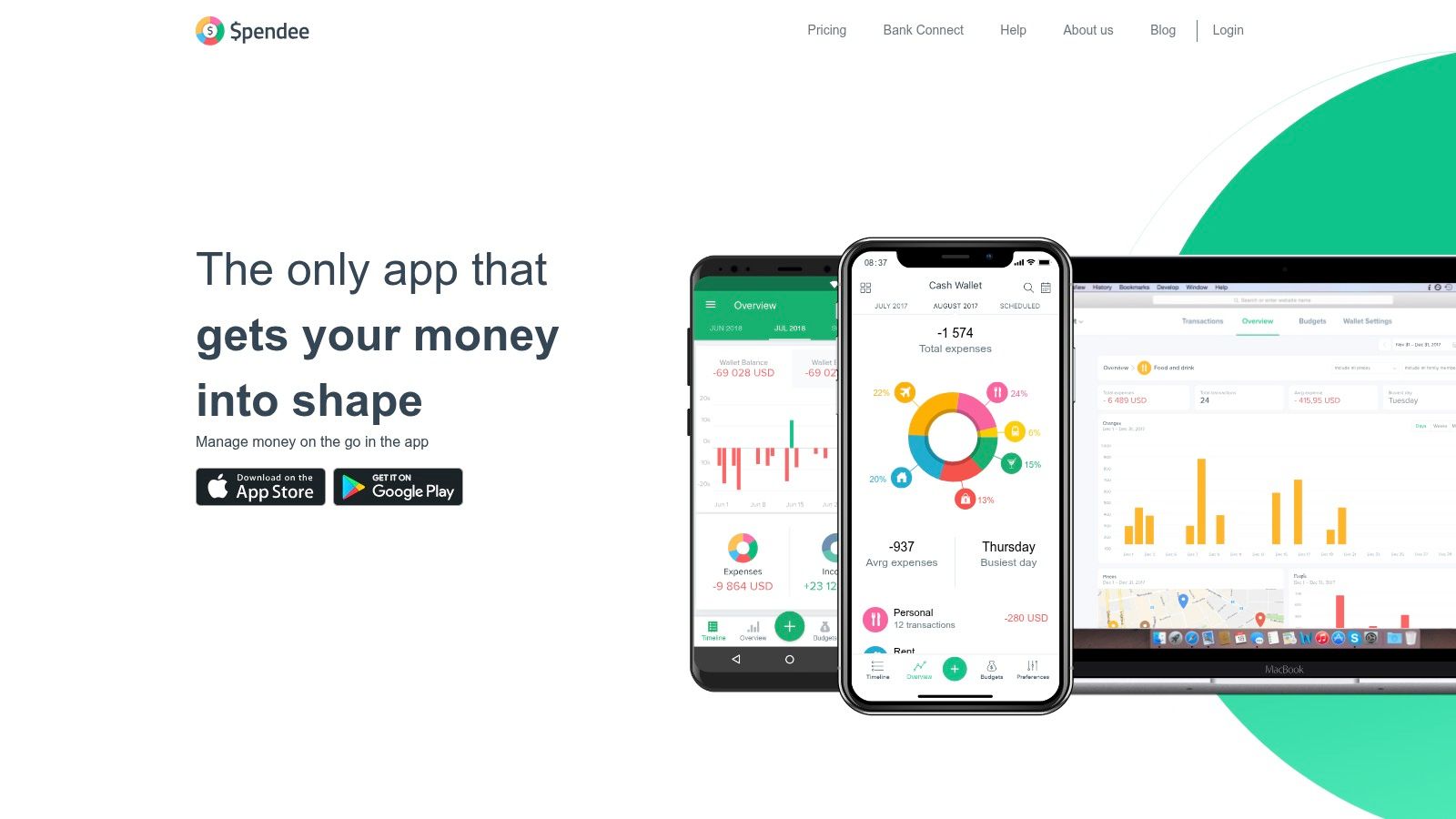
Spendee is a starter-friendly pick because it looks approachable and behaves like a light visual tracker before it behaves like a heavy financial system. That matters for people who bounce off dense dashboards. If the app feels friendly, they tend to keep using it.
The free Basic plan is narrow but practical. One cash wallet and one budget is enough for a lot of single-user starter setups.
Best for visual budgeters
Spendee's budget alerts and visual presentation make it easy to see when you're nearing a limit. Import, export, backup, and sync options are useful, especially for people who want some control over their records. The friction comes when your money setup becomes less simple than the free plan allows.
If you use separate checking, savings, cash, and credit workflows, Spendee's free plan can feel like a demo of the full app rather than a lasting home.
- What works: Quick setup, low intimidation, visual budget cues.
- What doesn't: One wallet and one budget becomes restrictive fast for multi-account users.
- Who should care: Anyone starting from scratch who needs a gentle learning curve.
Use Spendee if you want something visual and easy to grasp. Skip it if you already know you'll need more than one wallet or shared budgeting.
7. Wallet by BudgetBakers
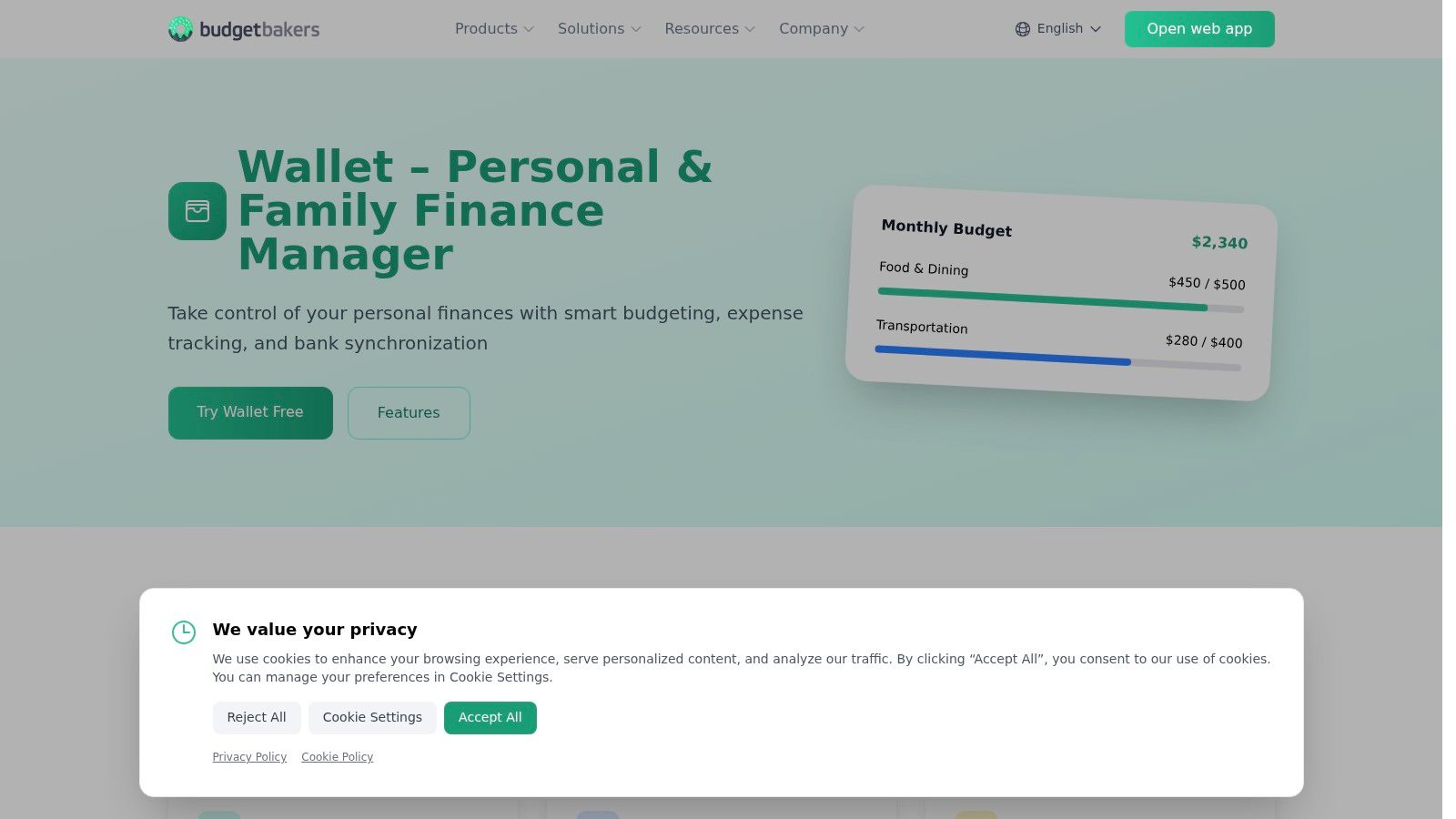
Wallet by BudgetBakers has been around long enough to feel mature rather than trendy. That shows up in the platform coverage and in the depth of its reporting. It's one of the better picks for people who want manual tracking now and the option to add connected features later.
Many users don't want to choose their final workflow on day one. Wallet gives you room to start simple.
A flexible middle ground
The free plan covers manual transaction entry, budgets, planning, and reports. That's enough to evaluate whether the structure works for you before paying for bank aggregation or sharing. The web app also helps if mobile-only budgeting frustrates you.
The privacy trade-off is more conventional than local-first apps. Once you use syncing and connected features, you're in a provider-hosted model, not a device-only one.
A practical point often missed in "best free budget app" lists is that many people don't want AI or bank sync. They want a usable manual-entry app that stays usable without surprise blockers, especially for things like reports, exports, or offline use. That gap is part of why privacy-first and local-first budgeting keeps getting more attention.
Use Wallet by BudgetBakers if you want broad platform support and a balanced free plan. It's less ideal if local-only storage is a must.
8. Honeydue
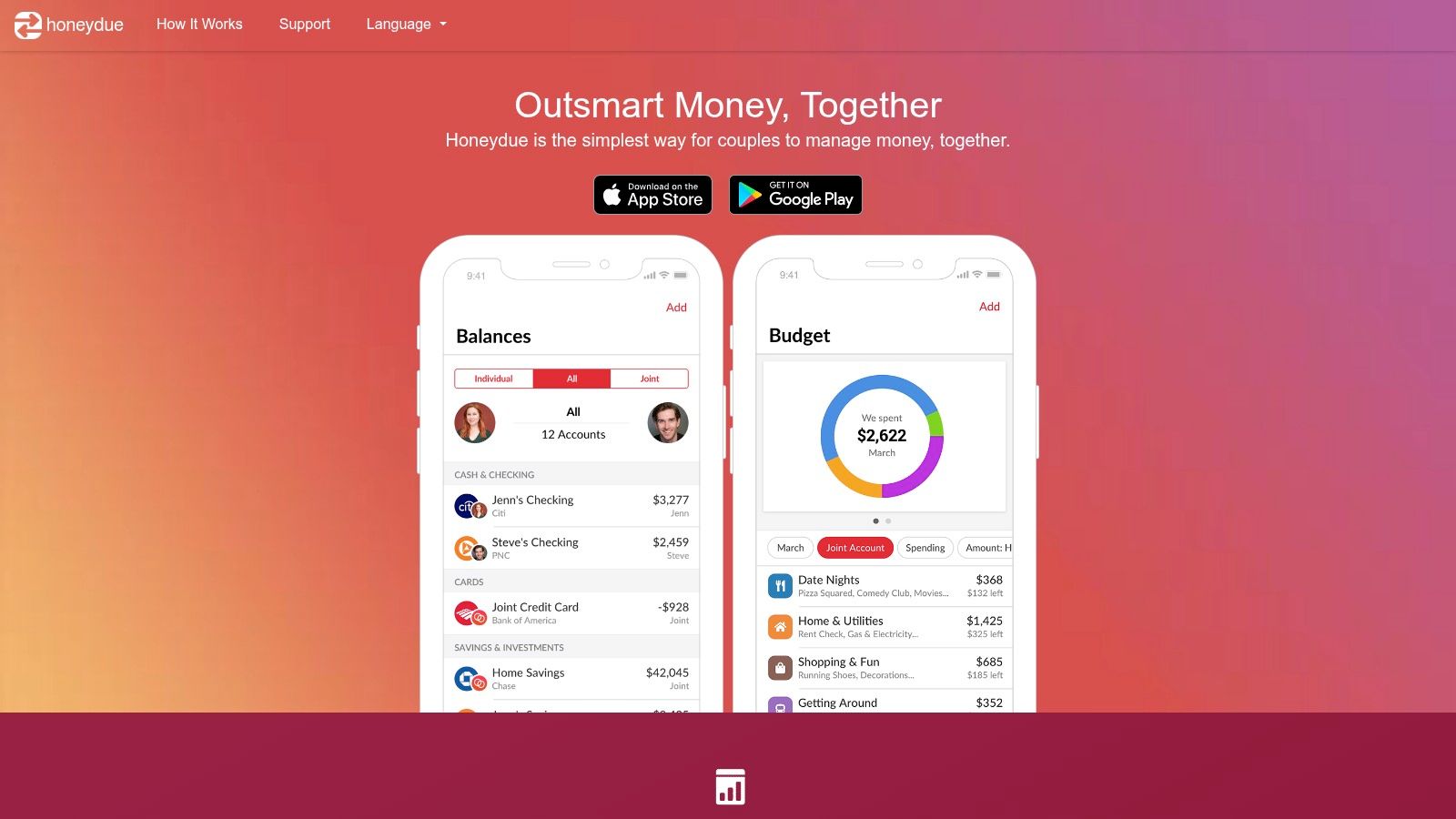
Honeydue isn't trying to be the best solo budgeting app. That's a good thing. It was built around shared finances, partner visibility, and transaction-level conversations. If you're budgeting with another person, that specialization matters more than abstract feature depth.
A lot of couples don't need advanced forecasting. They need fewer money misunderstandings.
Shared finances with selective privacy
Honeydue lets partners connect accounts while deciding what the other person can see. That selective visibility is the app's most practical feature. Many shared-finance tools force full transparency or awkward workarounds. Honeydue doesn't.
Category budgets, bill reminders, and in-app chat make it useful for active household coordination. If you and a partner need a stronger compare-and-plan framework, it's also worth reviewing apps made for budgeting as a couple.
The best couples app isn't the one with the most charts. It's the one both people will actually keep opening.
Use Honeydue if your real problem is collaboration, not analytics. Don't use it as your first choice for solo budgeting or for deep individual reporting.
9. Money Manager (Realbyte)
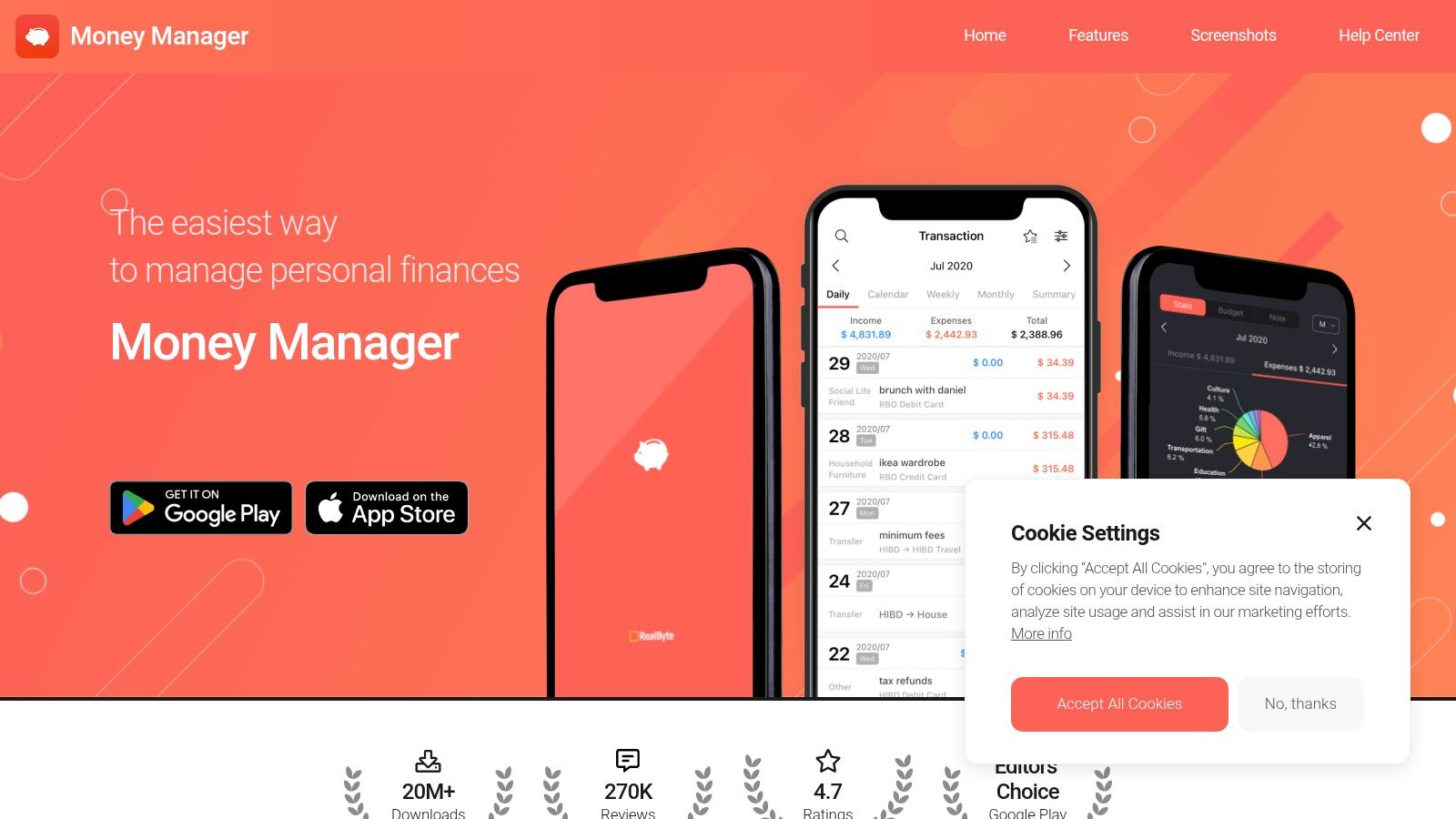
Money Manager by Realbyte is one of the better manual-entry apps for people who care about speed. Open it, log the transaction, move on. That's the whole appeal. It doesn't need to impress you with financial lifestyle branding.
For users who handle cash, multiple accounts, or frequent small purchases, that speed is often more valuable than automation.
Fast entry, solid account logic
The app supports category budgets, charts, and multiple account types like cash, checking, and credit. That's a practical combination because it lets users track movement across accounts instead of flattening everything into one balance. Optional upgrades remove ads, and sync may require extra payment depending on platform.
The free version does include ads, so the experience isn't as clean as a fully paid or open-source alternative. Still, for people who mainly want efficient manual logging, it's one of the more usable options.
A recent comparison trend has highlighted a neglected need: users with irregular pay cycles and multiple accounts often need day-by-day cash runway, recurring items, offline use, and clean handling of transfers and balance corrections, not just monthly summaries as reflected in CNBC Select's budgeting app coverage. Money Manager fits that kind of hands-on workflow better than many connected apps do.
Use Money Manager by Realbyte if your priority is fast manual tracking with account detail. Avoid it if ads or paid sync add-ons will annoy you enough to quit.
10. Money Manager Ex (MMEX)
Free budgeting apps usually ask for one of two things: your bank login or your patience. MMEX chooses patience.
It is an open-source desktop app that stores your data locally in a file you control. That changes the trade-off immediately. You get privacy, no ads, and no subscription pressure, but you also give up the convenience of polished bank syncing and a slick mobile workflow.
Who will like MMEX
MMEX fits people who already budget at a desk, care where their data lives, and do not mind maintaining their own system. Categories, account registers, budgets, and reports are all here, and the core free experience is not a teaser for paid upgrades. If you want a budget tool that behaves more like personal finance software than a consumer app, it makes sense.
The effort cost is real, though.
You may need to import data manually, handle backups yourself, and set up your own sync method if you want access across devices. The Android app is usable as a companion, but the center of gravity is still the desktop program. For some users, that is a feature. For anyone who expects fast mobile check-ins and automatic updates, it will feel dated.
MMEX works best for local-first budgeting routines: reconcile accounts once or twice a week, review reports on a laptop, and keep the file under your own control. It works poorly for anyone who wants connected automation, shared household syncing out of the box, or a modern app that needs almost no upkeep.
Use Money Manager Ex if privacy and file control matter more than convenience. Skip it if the budget only survives when capture and syncing are mostly automatic.
Top 10 Free Budget Apps, Feature Comparison
| App | ✨ Core features | 👥 Target audience | 🏆 USP / Privacy | 💰 Pricing/value |
|---|---|---|---|---|
| Empower Personal Dashboard | Auto account linking, budgets, cash‑flow, investment & net‑worth views | Investors & users wanting aggregated accounts | Integrated investment analysis + full account aggregation | 💰Free |
| EveryDollar | Zero‑based monthly budgets, manual entry, split transactions | Manual-budgeters & zero‑based planners | Clear zero‑based workflow with manual control | 💰Free (ads) → Premium for bank sync |
| Rocket Money | Subscription detection, auto‑categorization, budgets & bill tracking | Subscription‑focused users, Mint replacements | Strong subscription tracking & alerts | 💰Freemium (Premium features paid) |
| NerdWallet app | Plaid account linking, Cash Flow (Needs/Wants/Savings), subscriptions | Users wanting simple, free mobile budgeting + bank support | Completely free mobile cash‑flow + bank linking | 💰Free |
| Goodbudget | Envelope budgeting, sync between two devices, debt tracking | Couples/families using envelope method | Envelope system for shared planning & simple sync | 💰Free limited → Premium for unlimited envelopes |
| Spendee | Visual wallets & budgets, import/export, budget alerts | Visual learners & starters on mobile | Approachable visual budgets; quick setup | 💰Free Basic → Paid plans for sync/features |
| Wallet by BudgetBakers | Category budgets, reporting, manual entry, optional web & bank sync | Users wanting cross‑platform depth & reports | Mature multi‑platform feature set; optional aggregation | 💰Freemium (Premium for bank sync/sharing) |
| Honeydue | Partner account linking, per‑category limits, bill reminders, in‑app chat | Couples managing shared finances | Couples‑first privacy controls + free core features | 💰Free (voluntary tips) |
| Money Manager (Realbyte) | Fast manual entry, visual charts, multiple account types | Manual trackers seeking efficiency & offline use | Efficient manual workflow; one‑time upgrades available | 💰Free (ads) → Optional paid upgrades |
| Money Manager Ex (MMEX) | Desktop budgets/reports, local file storage, Android companion | Privacy‑minded users & desktop power users | Open‑source, local file control (no vendor cloud) | 💰Free, open‑source |
Choose the Trade-Off You Can Live With
The biggest mistake people make with a free budget app is assuming "free" tells them enough. It doesn't. The question is which compromise you'll notice least after the first few weeks. Some apps save time by linking accounts and automating categorization. Some protect privacy better by keeping you in a manual routine. Some are generous with free visibility but weak on planning. Others are great for planning but only if you're willing to do the work.
If you want budgeting alongside investments, the obvious fit is an app that combines both. If you want manual zero-based budgeting, EveryDollar is stronger. Rocket Money is the practical pick for subscription tracking and recurring-charge awareness. NerdWallet works well for a simple free connected overview without much setup friction.
For envelope budgeting, Goodbudget still has a clear role. Spendee suits people who want a visual starter setup more than a heavy system. Wallet by BudgetBakers is the broad middle-ground option for users who want good platform coverage and room to grow. Honeydue is the specialized choice for couples. Money Manager by Realbyte is excellent for quick manual logging and account-level tracking. MMEX is the strongest fit here for open-source users who want local file control and don't mind a more traditional setup.
There's also a separate lane that many "best free budget app" lists barely cover. Privacy-first mobile budgeting without bank connections. That's where Ledgerly is relevant. It is not free for good, but it is free to start and it takes a very different approach: on-device data, manual entries, recurring items, multiple budgets, CSV export, optional backups, and no bank linking. For people who want local control and a day-to-day budgeting workflow rather than account aggregation, that model can make more sense than chasing a free plan with hidden trade-offs.
Before you commit, check the current free-plan limits and privacy terms yourself. Free plans change. Export rules change. Sync policies change. The right test is simple: run one complete pay cycle in the app you choose. Enter real transactions, handle one transfer, review recurring bills, and see whether the app still feels trustworthy and maintainable. If export or backup is available, use it early. That tells you a lot about whether you're adopting a budgeting tool or renting access to one.
If you want a budgeting app that avoids bank connections entirely, Ledgerly takes the manual, privacy-first route. It runs on iOS and Android, keeps data on the device, supports recurring items, transfers, CSV export, and optional backups, and it's built for people who'd rather stay in control of every entry than trade that control for aggregation.